
Film presets for Lightroom
Film looks for your everyday photos.
35mm-inspired presets for golden light, weekend memories, and the shots you almost threw away.
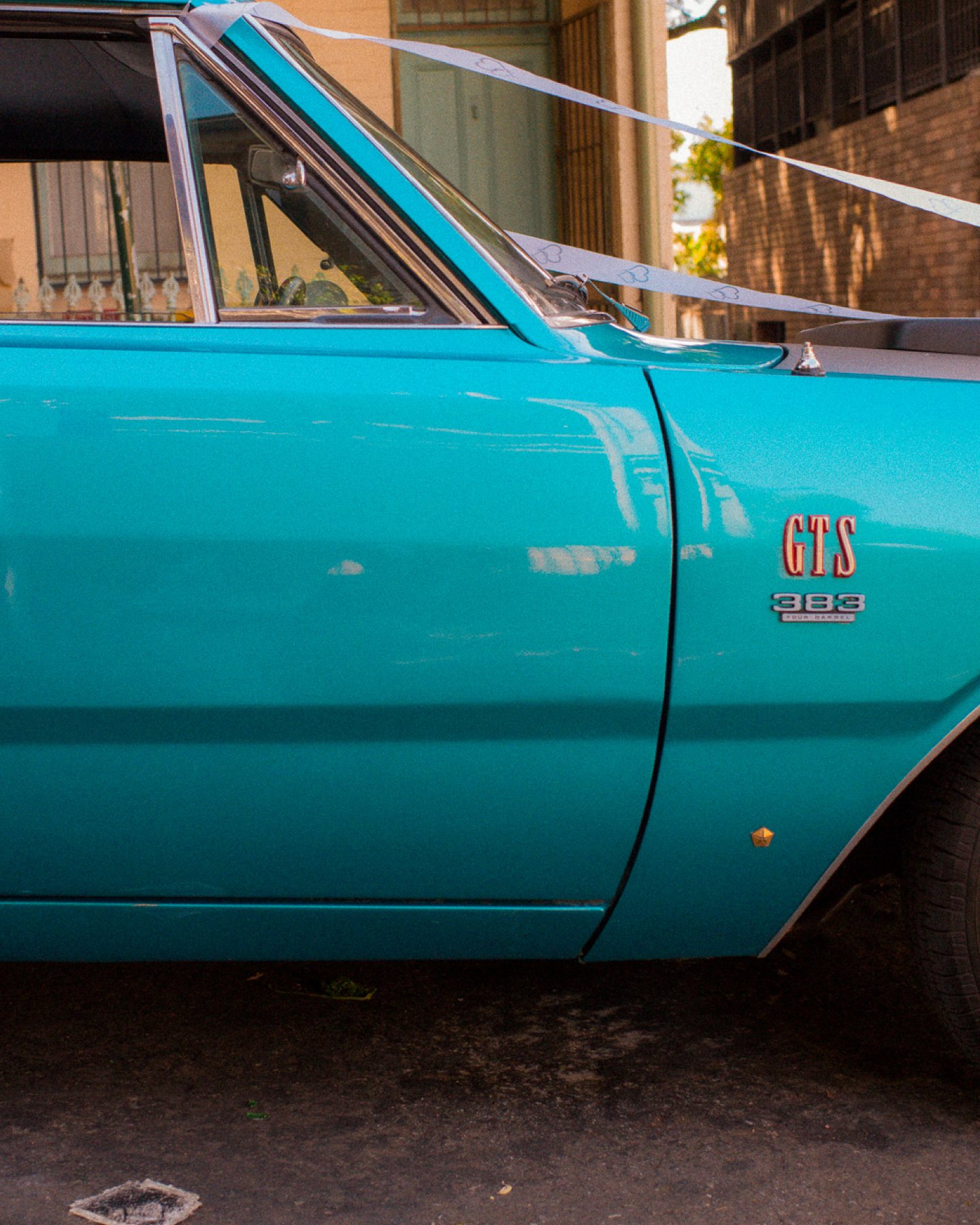
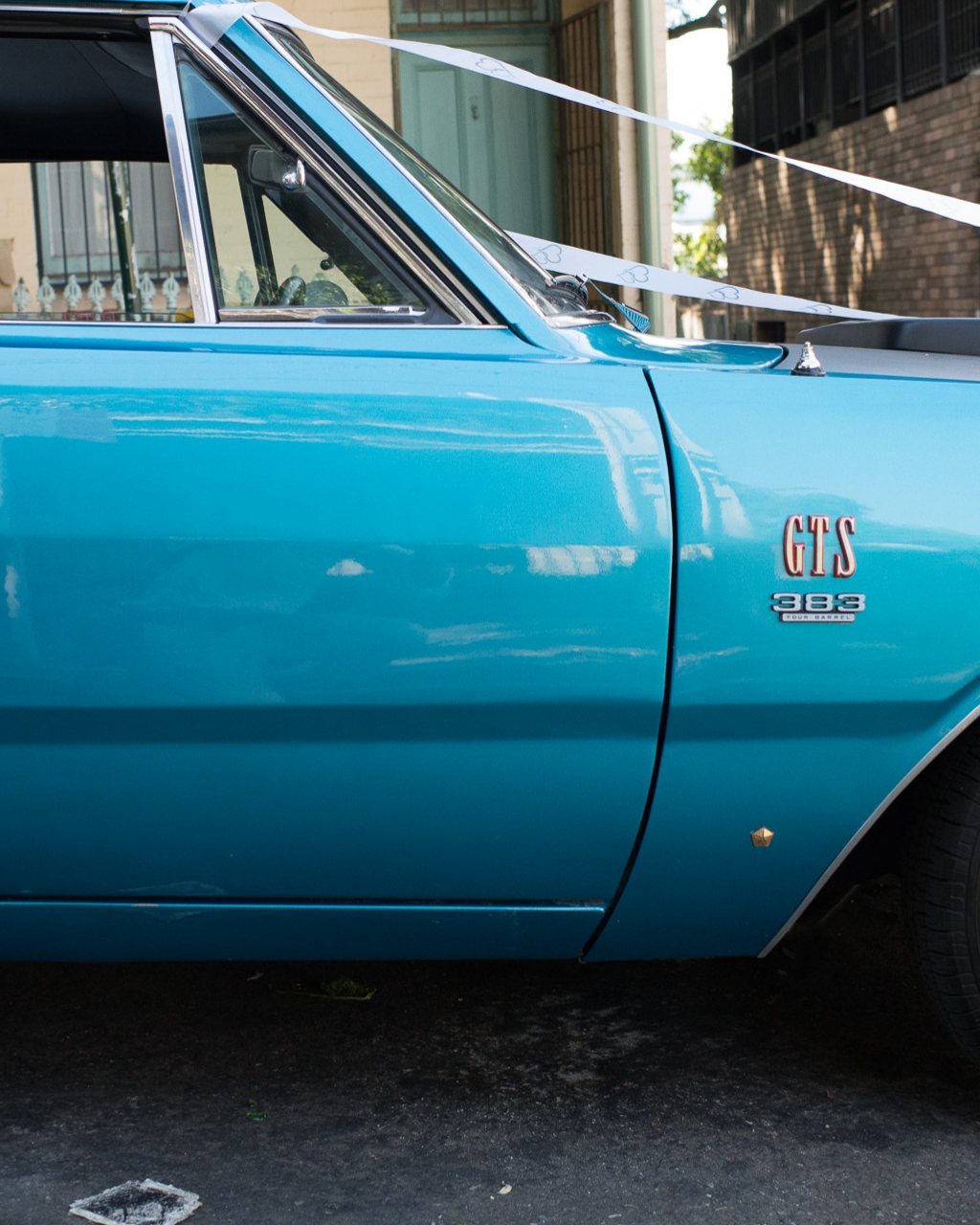
Get 15% off your first pack.
Or go straight to the packs on Etsy. No spam, unsubscribe anytime.
Best sellers first
Pick your look.
-
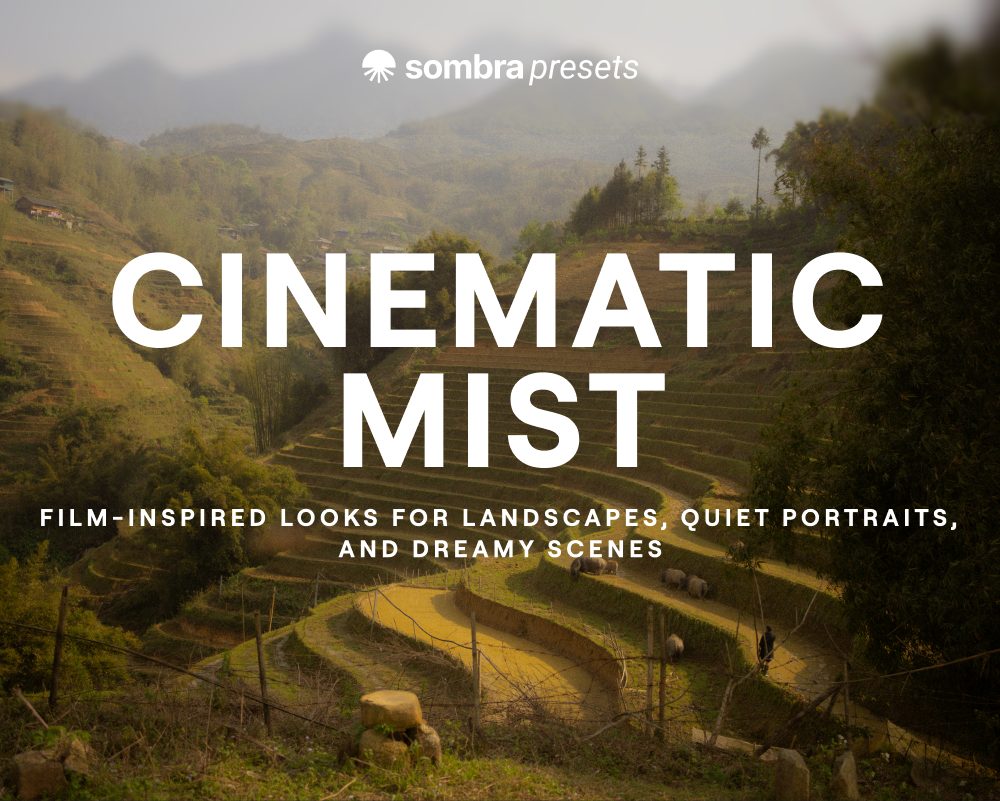
Cinematic Mist
See it on Etsy: Cinematic Mist -
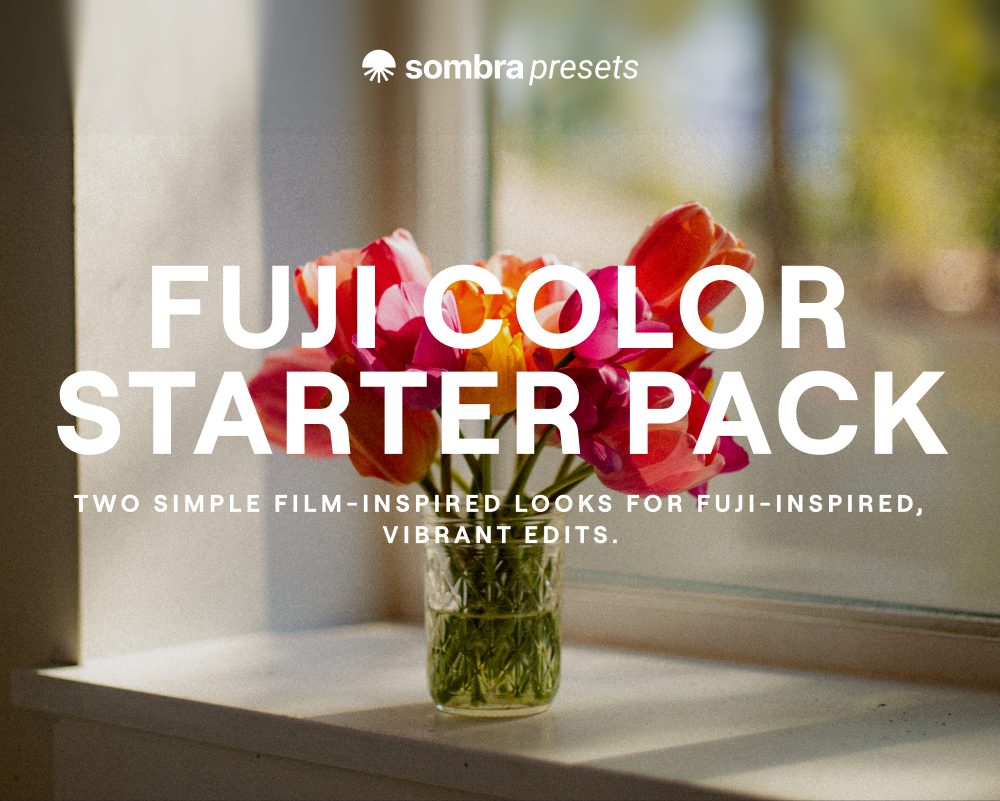
Fuji Color Starter Pack
See it on Etsy: Fuji Color Starter Pack -
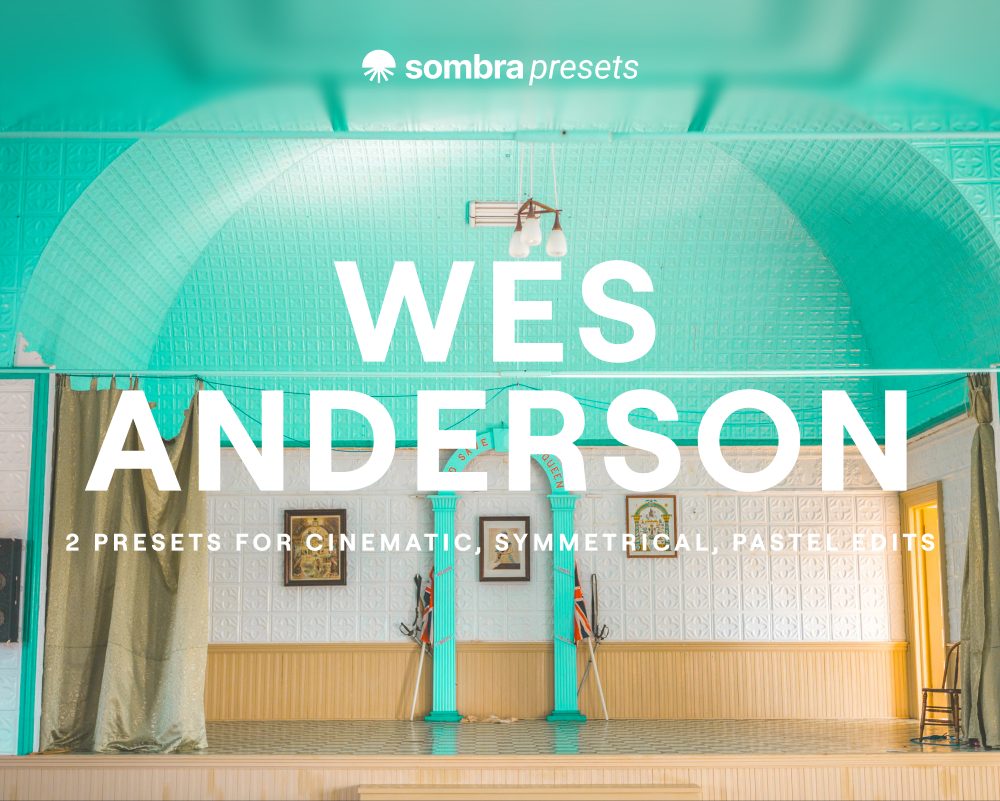
Wes Anderson
See it on Etsy: Wes Anderson -
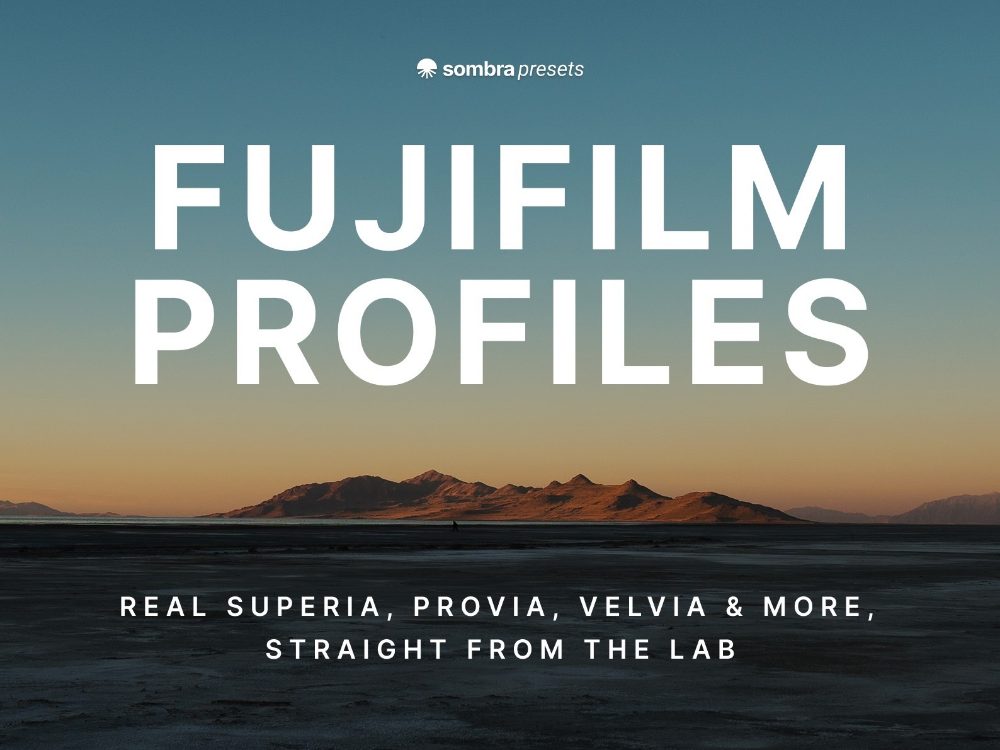
Fujifilm Profiles
See the pack: Fujifilm Profiles -
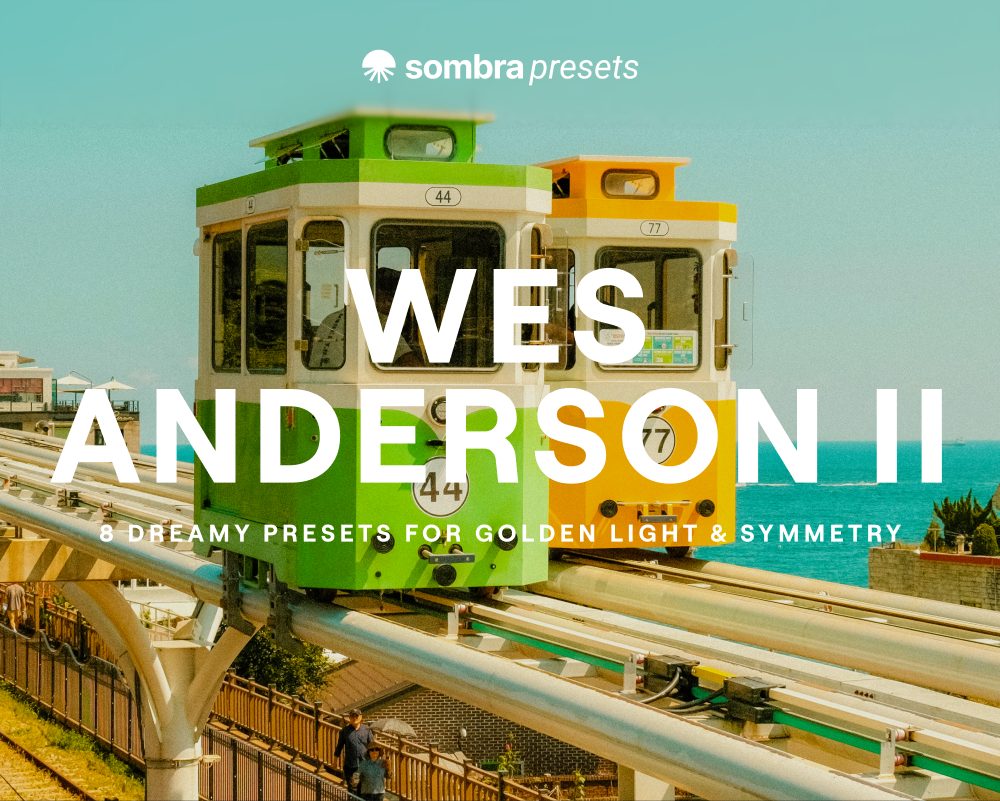
Wes Anderson II
See it on Etsy: Wes Anderson II -

Warm Film Collection
See it on Etsy: Warm Film Collection -
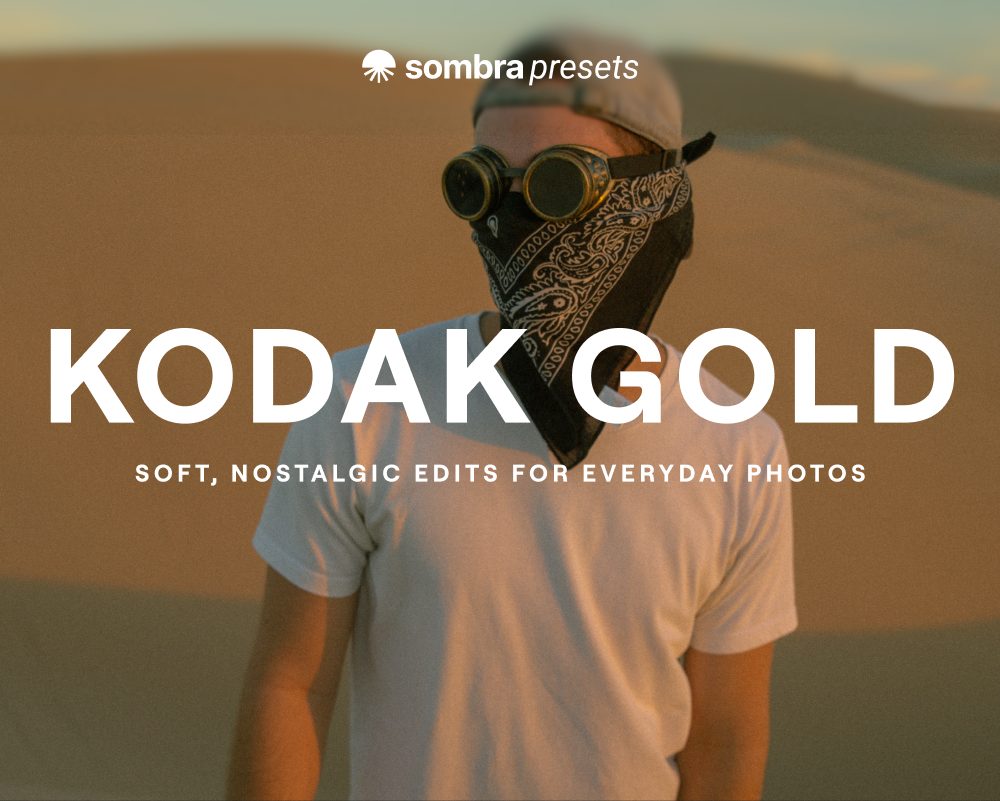
Kodak Gold
See it on Etsy: Kodak Gold -
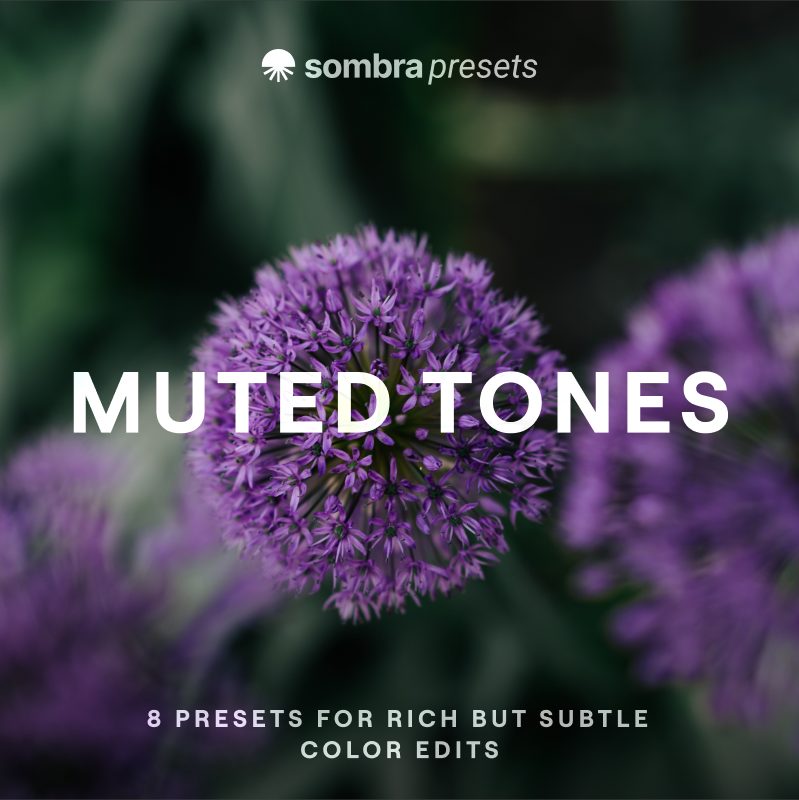
Muted Tones
See it on Etsy: Muted Tones -
Coming soon
Cinematic LUTs
Cinestill-inspired LUTs that mix film color with cinematic tones. Join the list to hear when they're out.
Get notified about the Cinematic LUTs
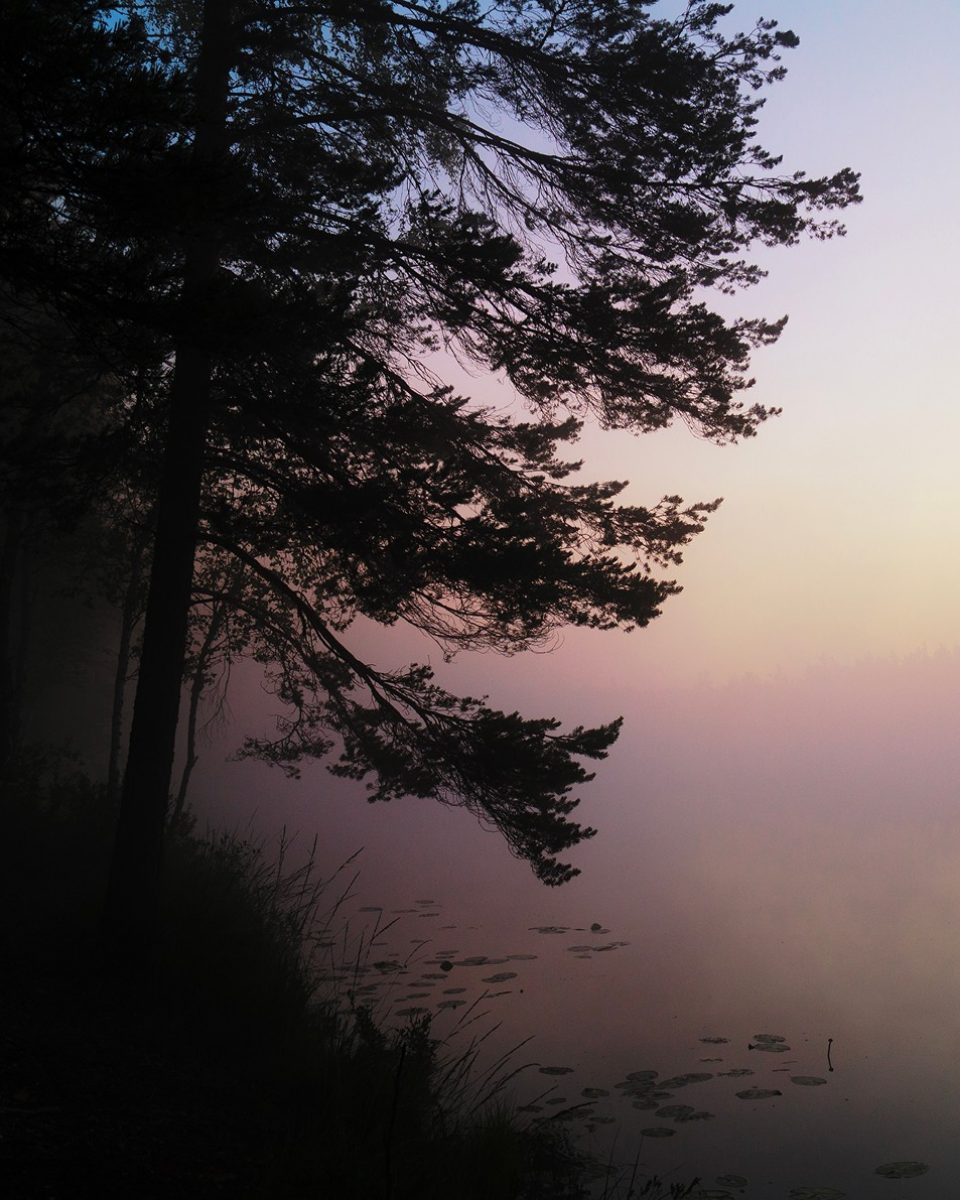
Featured pack
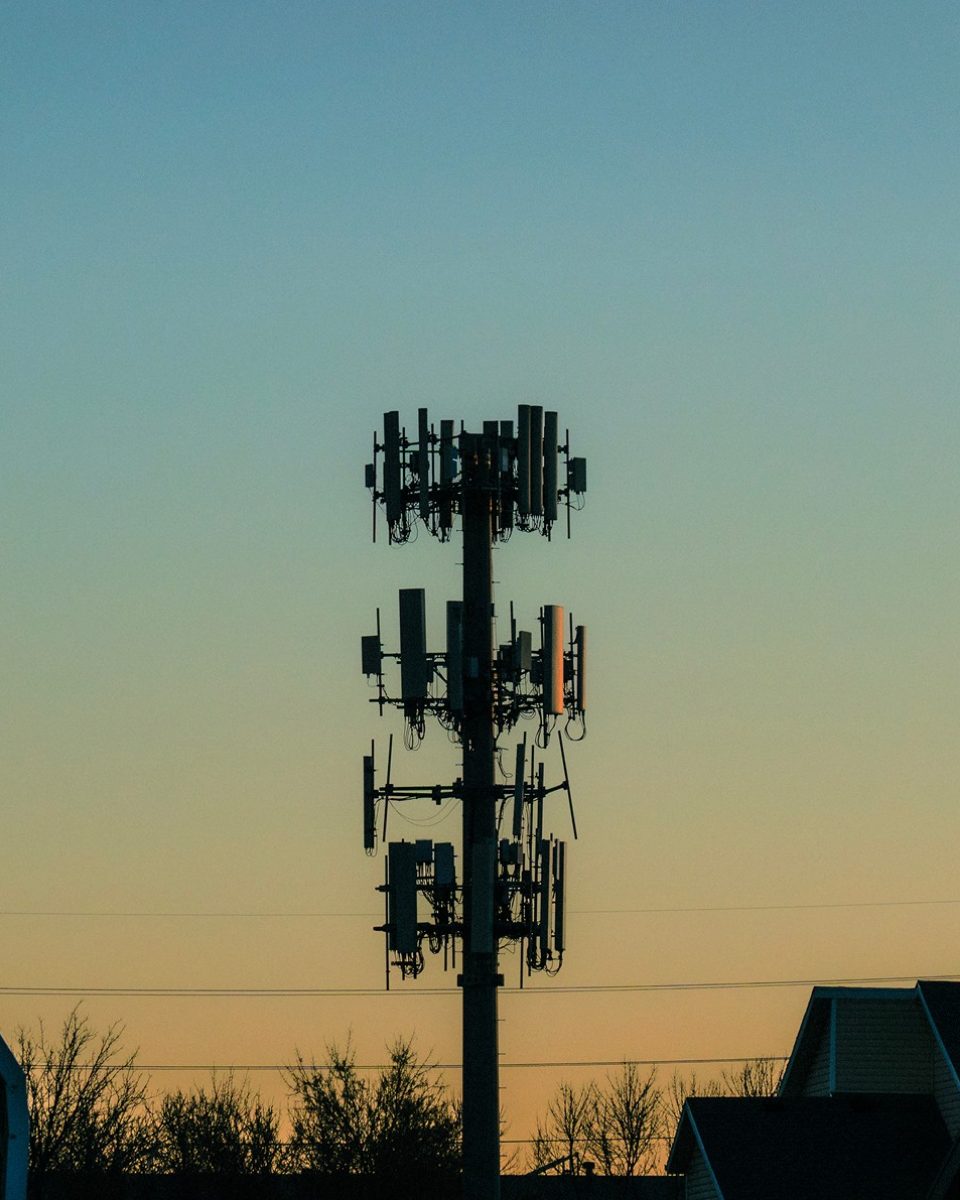
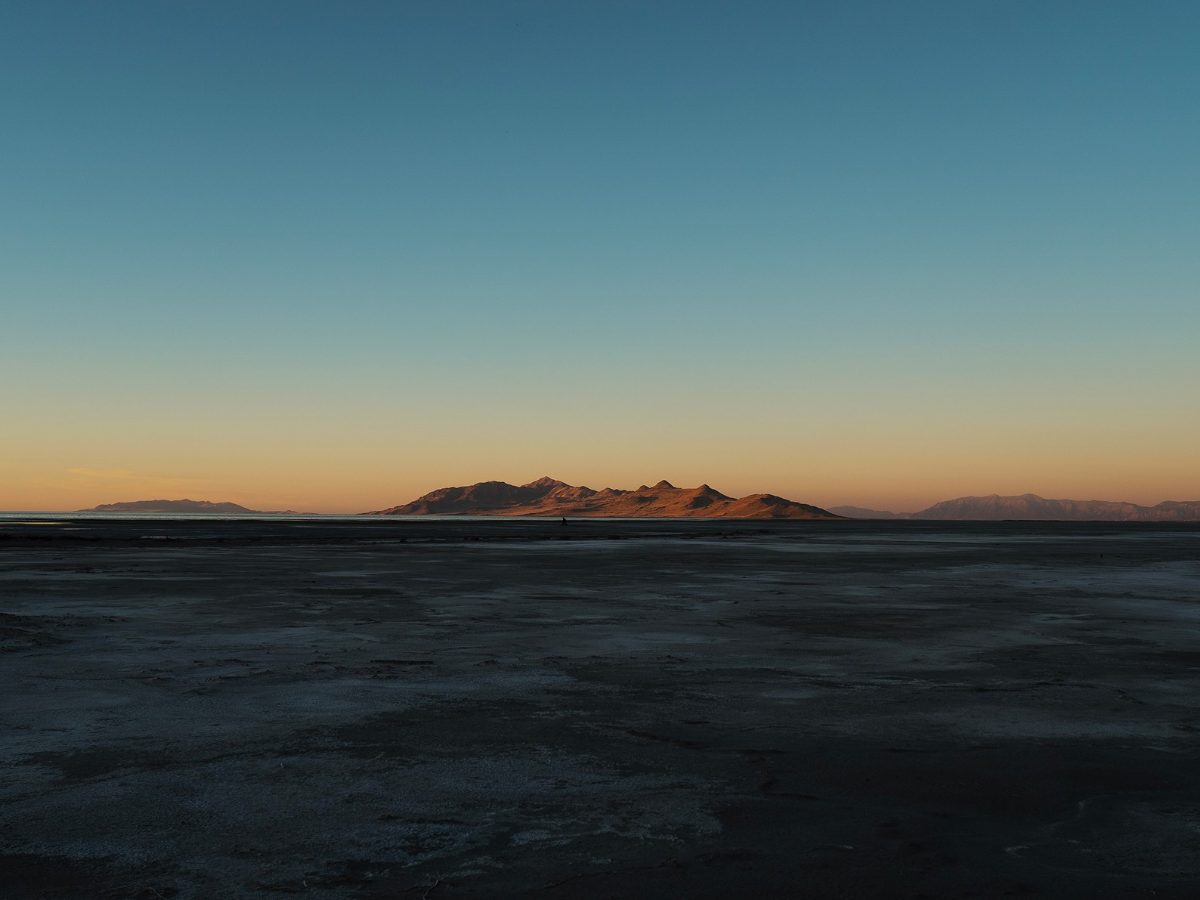
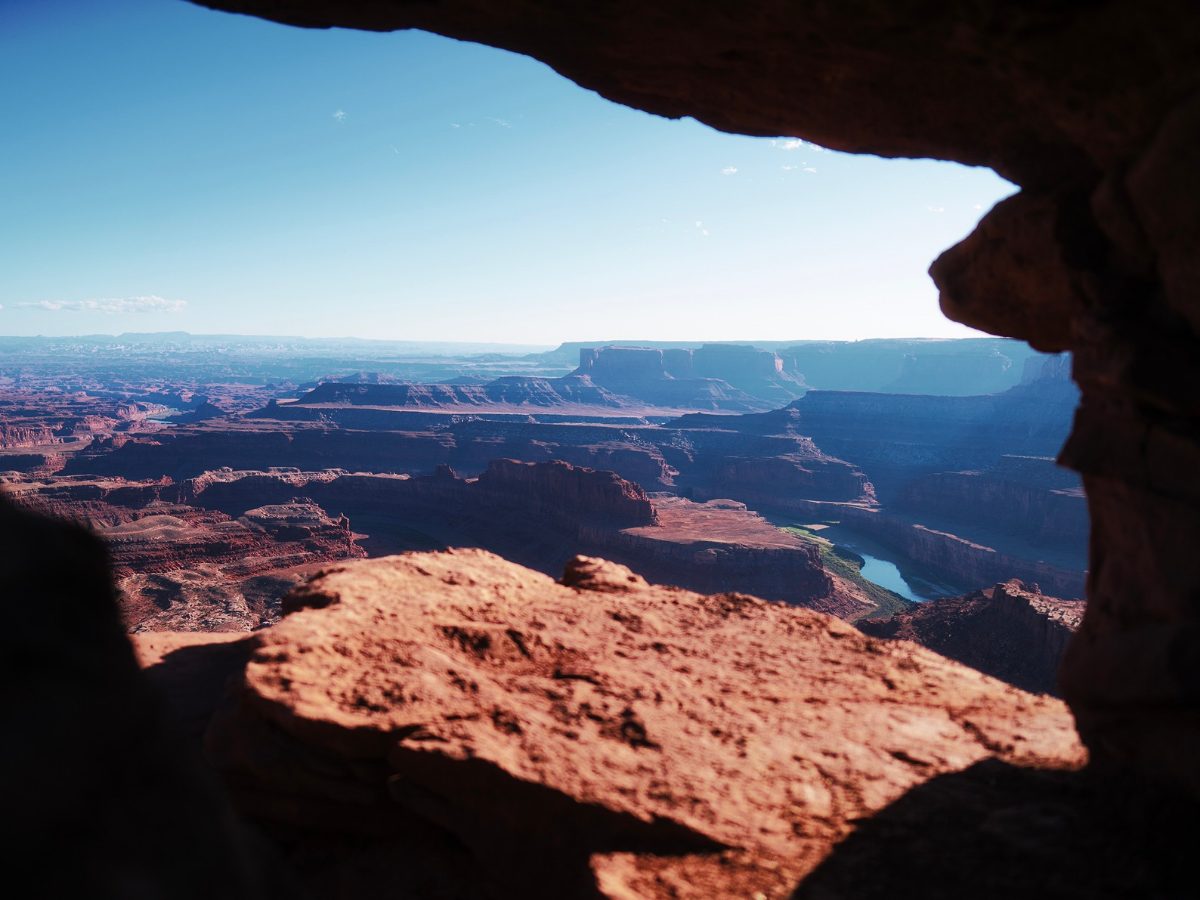
Fujifilm Profiles
Real Superia, Provia, Velvia & more, straight from the lab.
Get the Fujifilm Profiles on Etsy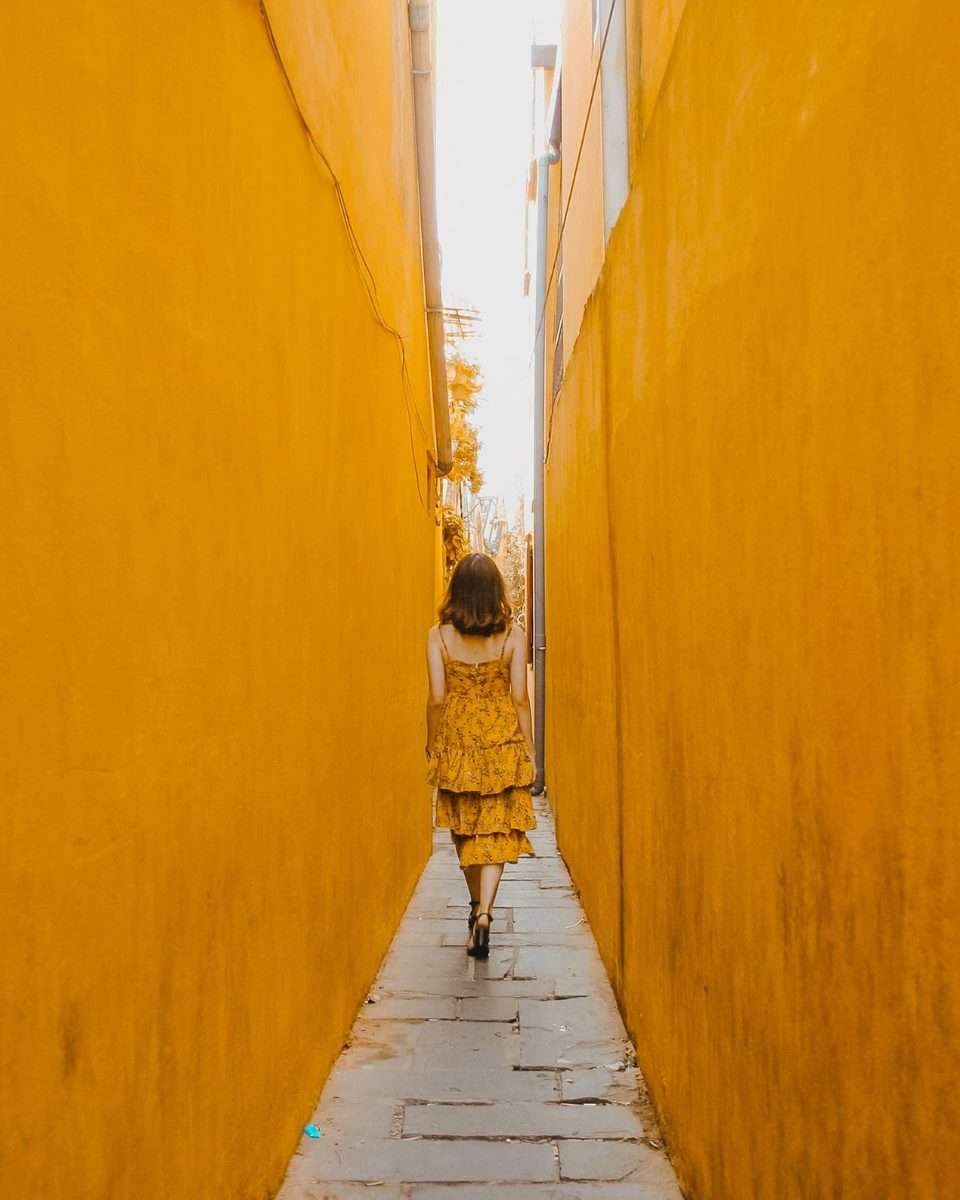
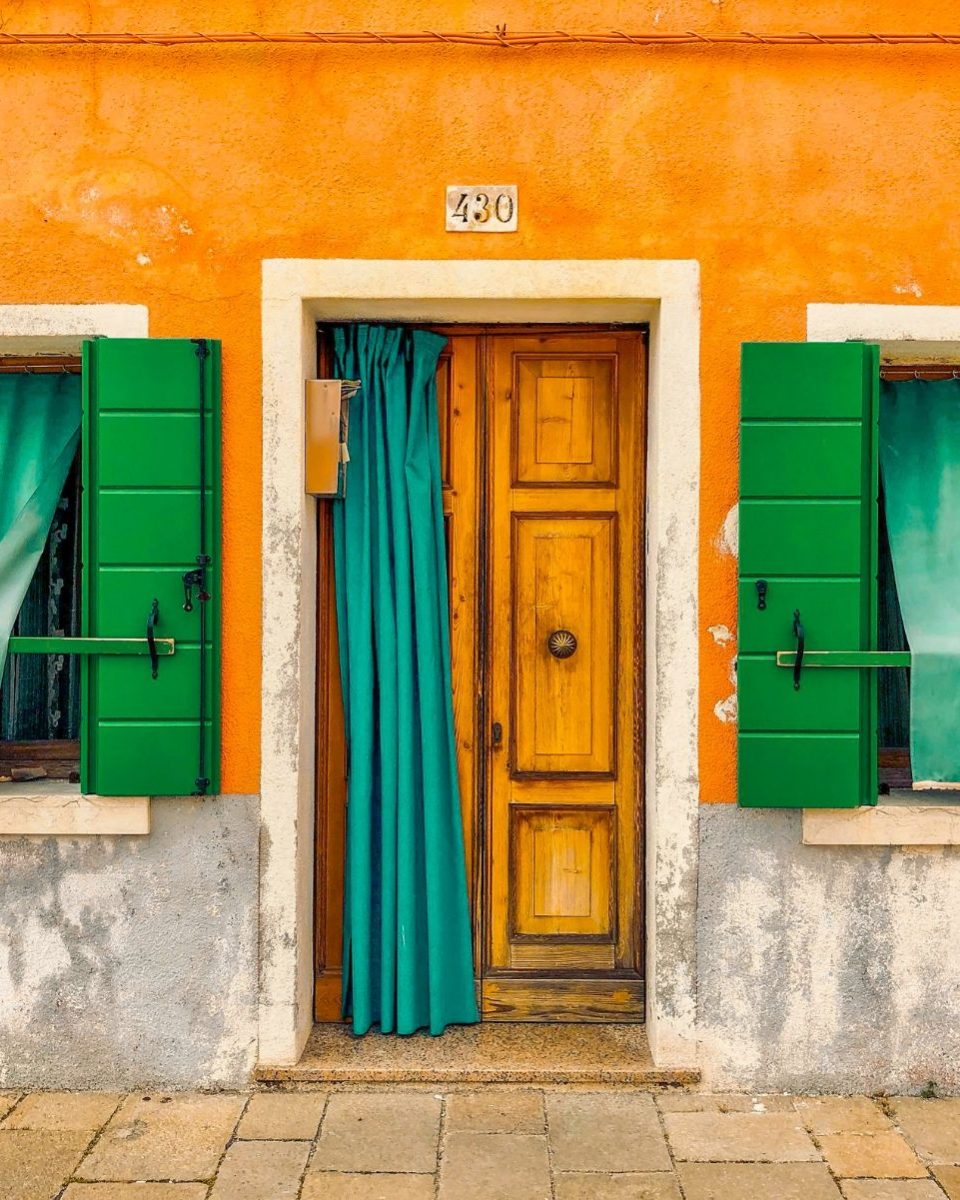
Featured pack
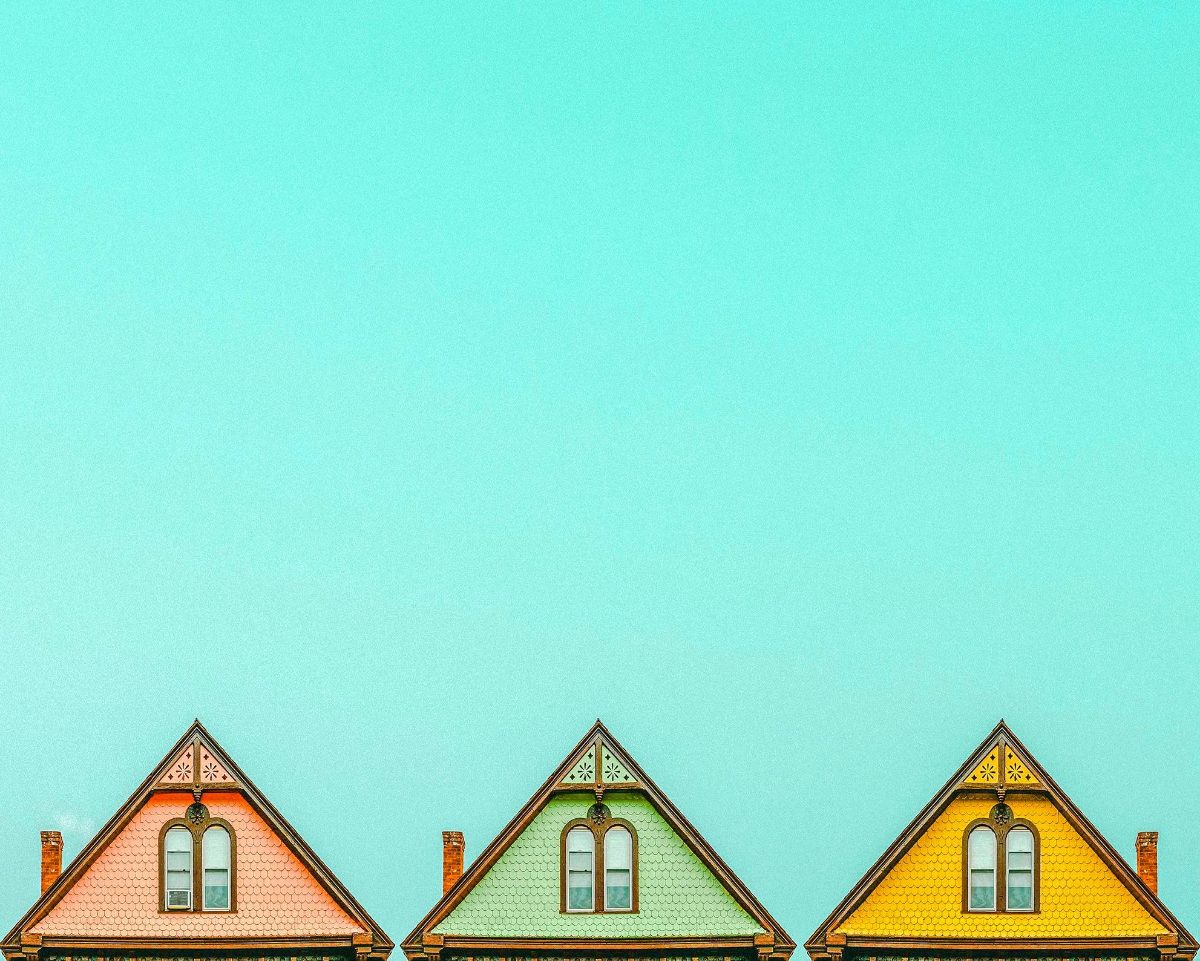
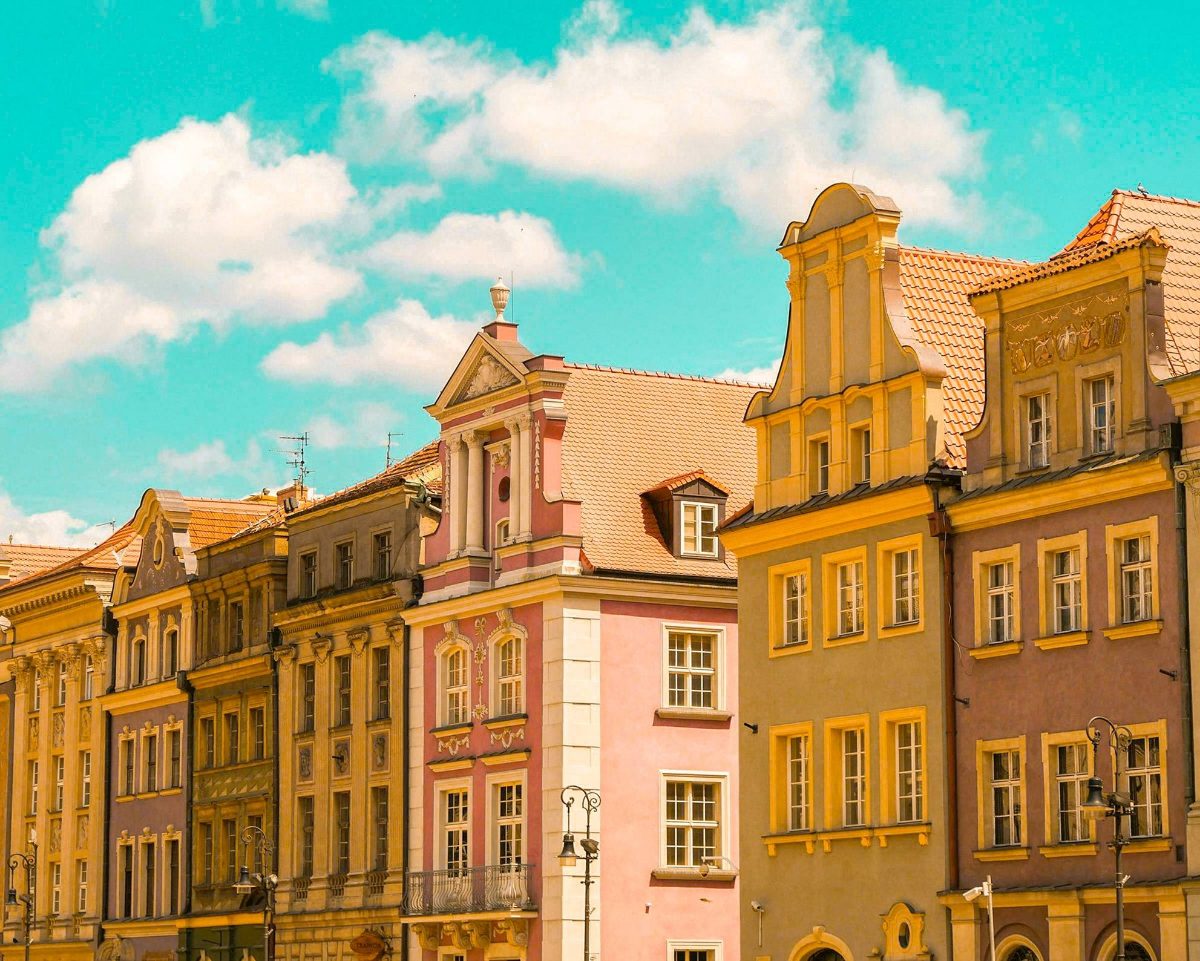
Wes Anderson
Presets for cinematic, symmetrical, pastel edits.
Get Wes Anderson on EtsyHow it works
Three steps and you're editing.
-
Buy on Etsy
Checkout happens on Etsy, and your files are ready to download right after.
-
Download the XMP files
Every pack comes as XMP preset files. There are no DNG files in the packs.
-
Import into Lightroom
Add the presets to Lightroom once, then apply a look to any photo and tweak it from there.
Questions
Good to know before you buy.
Do they work with the free Lightroom app?
Yes. They work in the free Lightroom mobile app on iPhone, iPad and Android, and in Lightroom and Lightroom Classic on desktop.
How do I install them?
Download the zip, then import it into Lightroom. Every pack comes with a short PDF guide that walks you through it for each app.
What's an XMP file?
It's the file type Lightroom uses for presets and profiles. You import it once and the looks show up in Lightroom. The packs don't include DNG files.
What's the difference between presets and profiles?
A preset sets your editing sliders. A profile sets the base color and leaves your sliders free, so you can still edit on top. Most packs are presets, and the Fujifilm pack is profiles.
Will my photos look exactly like the examples?
Not exactly, since every photo starts from different light. Most of the time a small tweak to exposure or white balance gets you there.
Do they work on phone photos?
Yes. They look best on RAW files, but they work on iPhone and other phone photos too.
I'm stuck. Can you help?
Of course! Message me on Etsy, on Instagram at @sombrapresets, or by email at hello@sombrapresets.com. I reply fast.
Join the list
Get 15% off your first pack.
Drop your email, confirm it, and the code is yours. You'll also hear first when new packs and the LUTs come out.